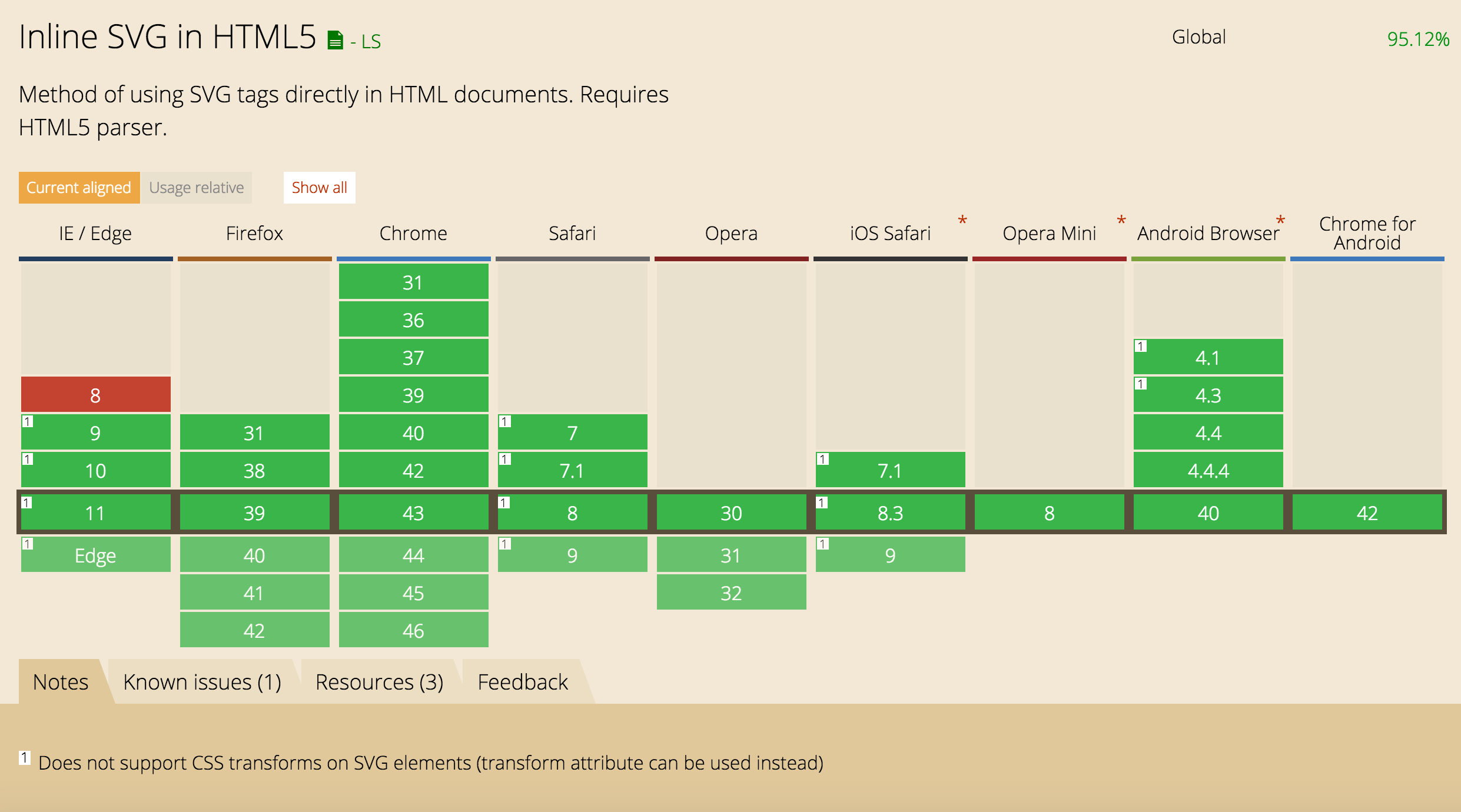
It's like an HTML document for digital drawings instead of content
Unicode characters
Tags, elements, and attributes
White space unimportant
Nesting
Bitmaps, anchor tags, text
AND Shapes, paths, opacity, gradients, rotation, animation
Development History (abbreviated)
SVG was developed by the W3C SVG Working Group starting in 1998, after Macromedia and Microsoft introduced VML whereas Adobe Systems and Sun Microsystems submitted a competing format known as PGML.
SVG 1.0 became a W3C Recommendation in 2001.
SVG 1.1 became a W3C Recommendation in 2003. The SVG 1.1 specification is modularized in order to allow subsets to be defined as profiles. Apart from this, there is very little difference between SVG 1.1 and SVG 1.0.
SVG 2 will completely rework draft 1.2 with more integration with new web features such as CSS, HTML5 and WOFF.
SVG Tag Attributes
<svg xmlns="http://www.w3.org/2000/svg" xmlns:xlink="http://www.w3.org/1999/xlink" width="209px" height="110px" x="0" y="0" viewBox="0 0 209 110">
  <title>A Simple Rectangle</title>
  <desc>A gray rectangle with a black border that is wider than it is tall.</desc>

  <a xlink:href="index.html">
    <rect x="20" y="20" height="100" width="200" rx="5" ry="5" style="fill: turquoise; stroke: #333333;"/>
  </a>

</svg>
M or m = moveto (x,y)
L or l = lineto (x,y)
A or a = arc (rx,ry x-axis-rotation large-arc-flag,sweep-flag)
C or c = curveto (Cubic Bezier Curve)
S or s = curveto (Smooth or Shorthand Cubic Bezier Curve)
Z or z = closepath
Equal rx and ry mean a circular arch, different mean ellipses
x-axis-rotation sets the rotation of the arches. Always should be 0.
large-arc-flag is a true or false value (0 or 1)
sweep-flag is also a 0 or 1 value. Clockwise (1) or Counter-Clockwise (0)
x,y is where to draw the arc to from its reference point (based on capital A or lowercase a)
Cubic Bezier Curve
C x1,y1 x2,y2 x,y
S x2,y2 x,y
A cubic Bezier curve is defined by four points. Two are endpoints. The origin endpoint is either absolute or relative depending on the lowercase or uppercase “c”. (x,y) is the destination endpoint. The points (x1,y1) and (x2,y2) are control points.
In a Shorthand or Smooth Cubic Bezier Curve, the start control point is is assumed to be the same as the end control point of the previous curve.
Draw Time!
Adobe Illustrator
Sketch
Inkscape
iDraw
WebCode
What’s up with the decimals and dashes?
The following description of the grammar for path data uses Extended Backus-Naur Form [EBNF] (In computer science, Extended Backus–Naur Form (EBNF) is a family of metasyntax notations, any of which can be used to express a context-free grammar.):
The processing of the EBNF must consume as much of a given EBNF production as possible, stopping at the point when a character is encountered which no longer satisfies the production. Thus, in the string 'M 100-200', the first coordinate for the "moveto" consumes the characters "100" and stops upon encountering the minus sign because the minus sign cannot follow a digit in the production of a "coordinate". The result is that the first coordinate will be "100" and the second coordinate will be "-200".
Similarly, for the string 'M 0.6.5', the first coordinate of the "moveto" consumes the characters "0.6" and stops upon encountering the second decimal point because the production of a "coordinate" only allows one decimal point. The result is that the first coordinate will be "0.6" and the second coordinate will be ".5".
"id" — A unique ID used to reference this gradient definition from shapes.
The x1 and y1 (starting point) & x2 and y2 (end point) of the vector defining the direction of the gradient. Specified as percentage.
"spreadMethod" — This value defines how the gradient is spread out through the shape. The spread method is only relevant if the gradient does not fill out the shape completely. There are 3 possible values:
"pad" means that the first/last color of the gradient is spread out through the shape.
"repeat" means that the gradient is repeated throughout the shape.
"reflect" means that gradient is mirrored in the shape.
Gradient Attributes (cont.)
"offset" — How far into the shape this color starts (if the first color of the gradient) or stops (if the last color of the gradient). Specified as percentages of the shape the gradient is applied to.
"stop-color" — The color of this stop-point.
"stop-opacity" — The opacity of the color of this stop-point. If opacity changes from one stop-point with 1 to another stop-point with opacity 0, then the color will gradually become more and more transparent.
"cx, cy" — The x and y of the center of the radial gradient.
"fx, fy" — The x and y of the focal point of the radial gradient. If you think of the radial gradient as a lamp, the focal point decides what angle the light from the lamp hits the shape with.
Specified as percentages. All of the above defaults to 50% if omitted.